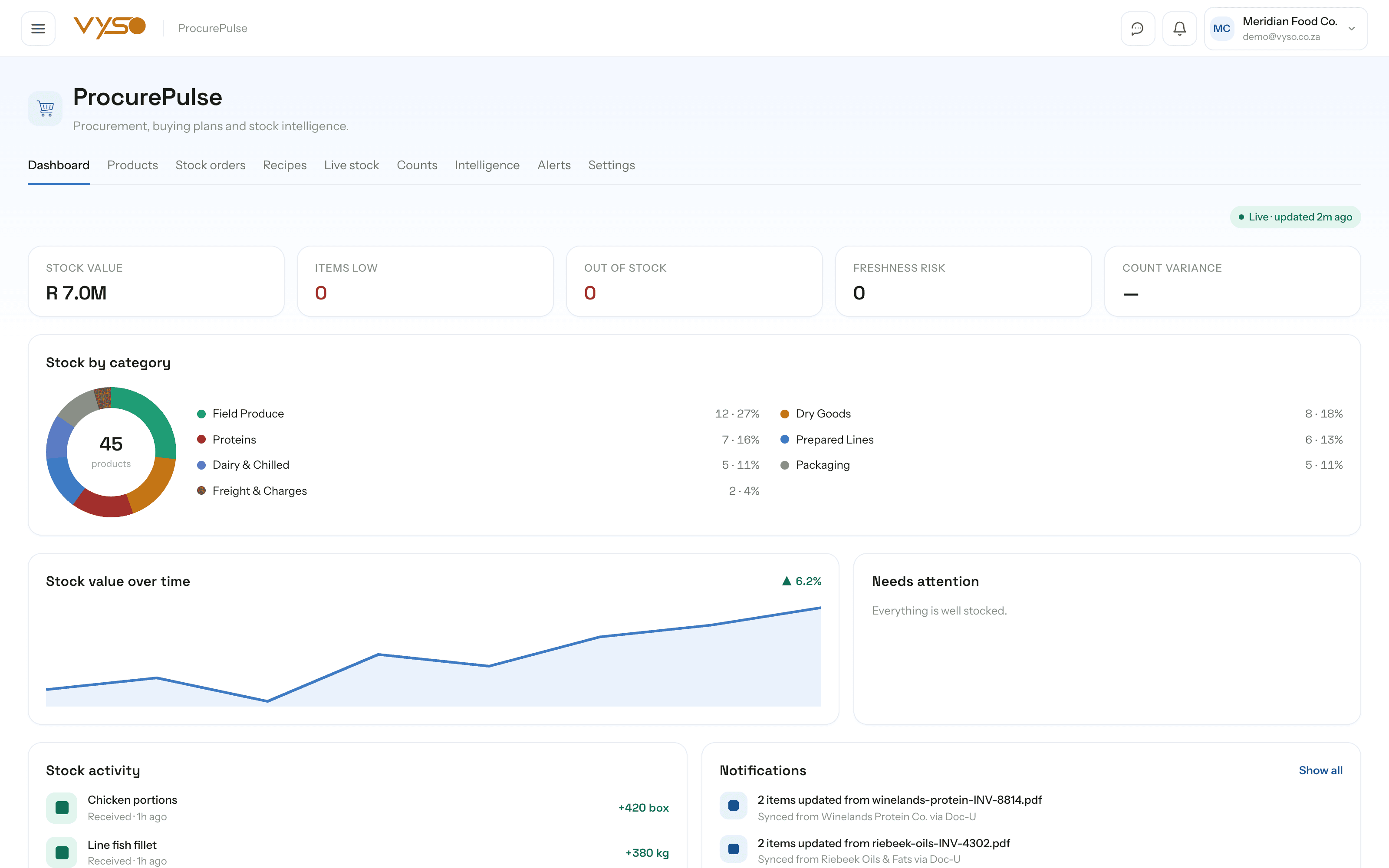
ProcurePulse.Buying decisions grounded in real stock movement.
ProcurePulse builds live stock from the supplier documents you already scan, tracks per-product thresholds, compares what every supplier charges you, and turns a shortage into a costed order your team can actually send.
Every screen below was captured from the running platform with a demo organisation — not drawn as a mockup. The labels, columns and tiles are the ones your team would work in.
01
Stock levels that build themselves
ProcurePulse has no clipboard step. Live stock is assembled from the supplier invoices, delivery notes and market statements Doc-U has already read, and it keeps itself current in the background rather than waiting for someone to remember. Each product shows both its purchase unit and a kilogram figure derived from the weights on those same documents.
Columns run Product, Stock on hand (kg), Units on hand, Stock status, Recent activity, Updated and Category
“Recent activity” reads the latest OrderFlow order quantity per item, so sales and stock aren't two separate stories
Filter by All, Low or Out and by category, then jump straight to “Reorder low”
“✦ Categorise” sorts an uncategorised catalogue into categories in bulk; “+ Add stock” handles the manual top-up
app.vyso.co.za/procurepulse/stock
02
One catalogue, even when suppliers can't spell
Supplier documents never name a product the same way twice, which is how a catalogue quietly grows four versions of the same tomato. Product matching surfaces the likely duplicates for you to confirm or dismiss, then remembers the decision so the next document routes straight to the right item.
Matches are tagged “Exact match” or scored by AI with the reasoning shown, and never merged automatically
Confirming a match merges movements, order lines and reorder requests onto the surviving item and sums the on-hand quantities
The Thresholds tab sets Low, Par, Lead time, Freshness, Alerts and Notes per product — lettuce two days, broccoli three
The Units tab records how a product is purchased, stocked and used in recipes, with the conversion factor between them
app.vyso.co.za/procurepulse/products
03
Shortages ranked by how much they matter
A low-stock list is only useful if it tells you what to do about it. Every alert carries the on-hand quantity, the threshold it fell below, a suggested order quantity and the cheapest supplier currently quoting on that item — so the decision and the action sit on the same row.
Columns run Product, Pack, Severity, On hand, Threshold, Suggested, Best supplier and Actions
Severity shows as Low or Out, sorted worst-first, with “Reorder all” to sweep the whole list into an order
Best supplier shows the cheapest current price for that item, or “No quote” when nobody has priced it
Snooze clears a row for the session when you already know about it, without pretending the stock is there
app.vyso.co.za/procurepulse/alerts
04
From “we're short” to an order the team can send
Stock orders puts the system's suggestions and your own requests on one page, grouped by supplier with subtotals, so a buyer isn't reconciling three lists in their head. The summary rail totals it excluding and including VAT before anything is sent, and every sent order is kept as history by week.
“Suggested from low stock” lists Product, Qty, Unit price and Line total, grouped by supplier with a subtotal per supplier
Add your own requests with product, quantity, unit, supplier and a note, then mark them ordered as they're placed
The order summary breaks out suggested items, suppliers, your requests and VAT at 15% before the total
Order history groups sent orders by week with item count, supplier, status and total
app.vyso.co.za/procurepulse/reorder
05
Who is actually cheapest, per product
Once several suppliers' documents have been read, the price you pay stops being a matter of opinion. The intelligence matrix puts one column per supplier against one row per product, marks the cheapest price and shows the saving available on the dearest line — all built from the documents you already scanned.
A matrix of Product against every discovered supplier, with the cheapest cell highlighted and “—” where nobody has quoted
A “Best saving” column quantifies the gap between what you pay and the cheapest quote on file
A top-opportunities rail surfaces the items where switching supplier is worth the most
Prices come from scanned documents rather than a manually maintained list, so the comparison ages with your buying
app.vyso.co.za/procurepulse/intelligence
06
How many batches can we actually make right now?
Recipes turn tracked stock into finished items, and answers the question a kitchen or pack-house asks every morning before it becomes a problem at two in the afternoon. Each recipe shows how many batches your current stock supports, which ingredient is the constraint, and what a batch costs in stock terms.
KPIs cover Active recipes, Short on stock, Stock value for one batch each, and your most-used ingredient
Every card shows a readiness badge — “Make N now”, “Short on stock” or “Link ingredients” — with the limiting ingredient named
The batch plan takes a batch count and returns the per-ingredient shortfall with a total stock cost for the run
“Reorder what's short” hands the shortfall straight into a stock order
app.vyso.co.za/procurepulse/recipes
How it fits your week
The routine, not the feature list.
Software only helps if it changes what someone actually does on a Tuesday. This is the working rhythm ProcurePulse is built around.
1
Scan the delivery paperwork
Supplier invoices, delivery notes and market statements go into Doc-U. That is the whole data-entry step — stock is a consequence of it, not a separate task.
2
Tidy the names once
Confirm any product matches the system flags. The mapping is remembered, so the same supplier's odd wording routes correctly from then on.
3
Let the thresholds do the watching
Low, par, lead time and freshness are set per product. Alerts rank what's below threshold by severity instead of asking someone to eyeball a list.
4
Send one order, not five messages
Sweep the alerts into a suggested order, add anything your team asked for, check the total including VAT and send it to the team — where it stays as history.
5
Check the price you're paying
Once a few weeks of documents have landed, the intelligence matrix shows whether you're buying from the cheapest supplier or just the most familiar one.
Works with the rest of Vyso
Connected where the workflow needs it.
These are real data relationships, not a logo wall. Each one describes what actually moves between ProcurePulse and the module beside it.
Including the parts that are still on the roadmap. You should be able to plan around what exists today, not around a promise.
Do we have to count and enter stock manually?
No — that is the point. Live stock is built from the supplier invoices, delivery notes and market statements already scanned into Doc-U, and re-syncs itself in the background. A manual “Add stock” option exists as a fallback rather than the default path.
Our suppliers never spell product names the same way twice. Will that create duplicates?
Product matching catches them. An exact-match pass plus an optional AI scan surfaces likely duplicates for you to confirm or dismiss — never merging on its own — and remembers each confirmed mapping so future documents route straight to the right item.
Can it tell us who is cheapest for a given ingredient?
Yes. Procurement intelligence builds a per-product supplier price matrix from your scanned documents, highlights the cheapest supplier per line and shows the saving available against what you're currently paying.
Will we know about a shortage before it stops a batch?
The recipe editor computes how many batches your current stock supports, names the limiting ingredient, and links straight to “Reorder what's short” — so the constraint is visible at planning time rather than mid-production.
Does ProcurePulse do cycle counts?
Not yet. The Counts tab is a placeholder for planned stock-accuracy work and does nothing today. Everything you see on Live stock is derived from document feeds, sales movements and manual adjustments.